Four steps, about a minute, done on your sofa over home Wi-Fi. Nothing starts counting down until your phone finds a Dubai network, so installing early costs you nothing.
It carries your QR code, your ICCID and this same guide. Keep it, it is your receipt.
Settings, Mobile Service, Add eSIM, then scan the QR code. iPhone and Android both do this in under a minute. Label the line Singapore so you can find it later.
Do not turn data on for it yet. Nothing is running and nothing is counting down.
Switch off flight mode. The eSIM finds a Singapore network and activates itself, and the validity clock starts from that first connection, not from the day you bought it.
You do not tap anything at DXB. Switch off flight mode, the ESIM registers on a Dubai network, and that first connection is what starts the validity clock. A five day plan bought in September and installed in September still gives you five full days from the moment you land in October.
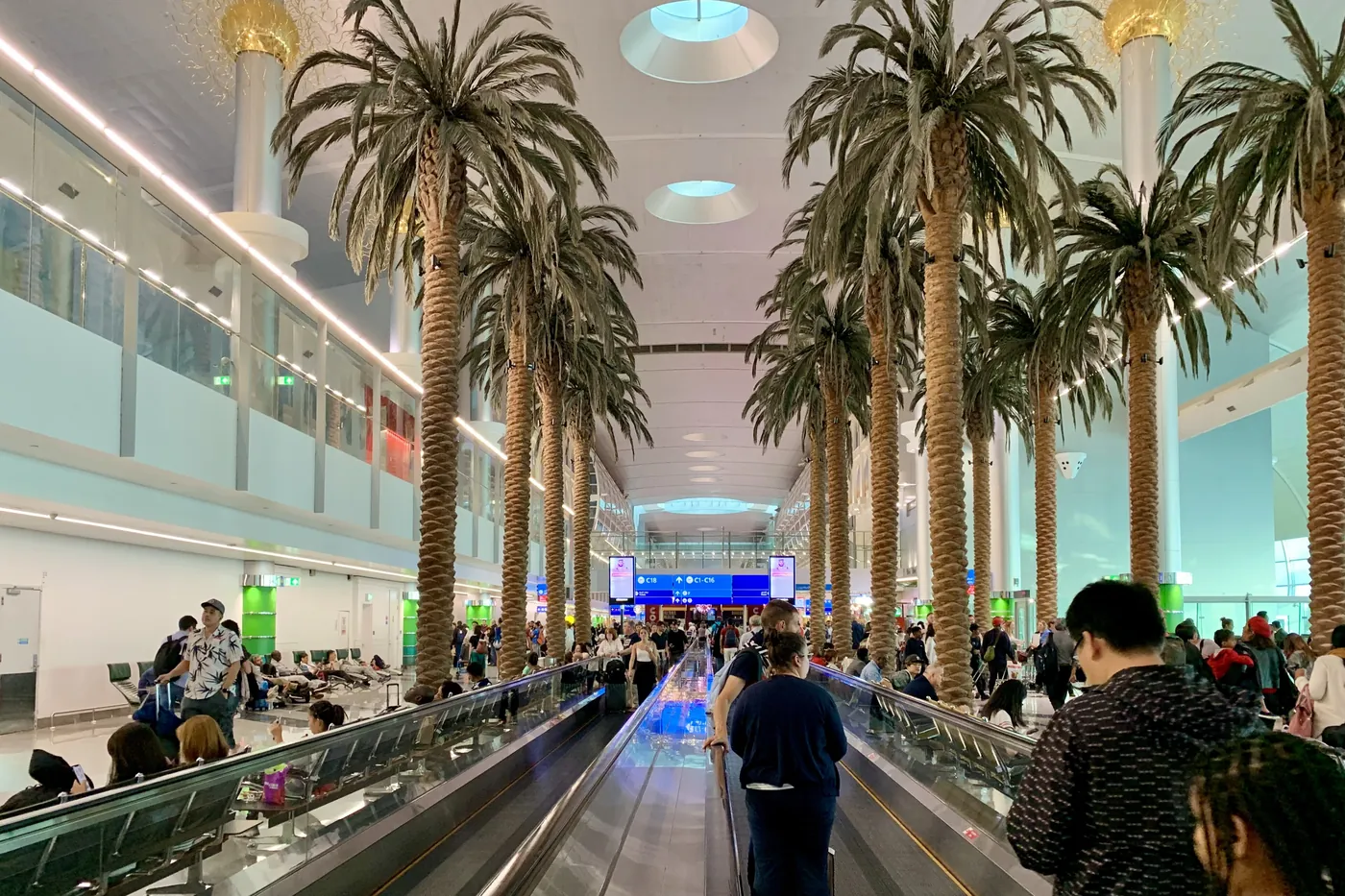

Check the Dubai line is switched on, that data roaming is on for that line, and that it is set as the mobile data line. Those three toggles are almost always the whole problem.
Enter the details by hand instead. The email carries the activation code and the ICCID, and every phone has a manual entry option under Add eSIM.
Open live chat in the app with your order ID, the ICCID from My eSIMs, your phone model and a screenshot. A replacement is free, for the whole trip, not only on day one.
A travel eSIM is data only and runs as a second line, so calls and your bank OTP codes still arrive on your normal number. Do not delete anything.
Most plans allow tethering, but not all. If you are going to work off a laptop between side events, check the package details before you buy.

More than a thousand side events run across TOKEN2049 week and there is no single directory for them. We keep one.
An ESIM has to be installed over Wi-Fi before you fly, and nothing starts counting down until you land. Finishing now costs you nothing.